Edu Brains

What is Microsoft Office with AI?

Microsoft Office with AI – History, Uses & Career Importance
What is microsoft office with Ai?

Microsoft Office with AI – History, Uses, Career Importance & AI Integration

Microsoft Office with AI – History, Uses & Career Importance

Microsoft Office is one of the most widely used productivity software suites in the world. Developed by Microsoft, it includes powerful applications that help individuals and businesses perform everyday tasks such as creating documents, analyzing data, designing presentations, managing emails, and organizing important information efficiently.

Today, MS Office is widely used in schools, colleges, corporate offices, banks, and government departments. Because of its practical tools and business applications, learning MS Office and Excel with AI has become an essential digital skill for students, job seekers, and working professionals who want to improve productivity and career opportunities.

Explore MS Office Guide Learn Excel with AI Start MS Office Course

History and Rise of Microsoft Office

Microsoft first launched Microsoft Office in 1989 for Macintosh computers and later introduced it for Windows in 1990. It was created by Microsoft Inc., led by Bill Gates and co-founders like Paul Allen. Initially, it revolutionized the workplace by bundling essential tools into one single package.

Classic Word 97

Microsoft Word

The world's most popular word processor for professional documents.

Classic Excel 97

Microsoft Excel

The industry standard for calculations, data analysis, and spreadsheets.

Classic PowerPoint 97

Microsoft PowerPoint

Powerful software for creating visual presentations and slide decks.

As computers became common...

As computers became common in offices and homes, the demand for productivity software increased. Microsoft continuously improved the software and added new tools, moving from offline bundles to the high-speed integrated versions we use today.

First Release:
Office 1997

The breakthrough version that set the standard for office suites worldwide.

Latest:
Office 2024

The current standalone version with new features and no subscription.

Cloud-Based:
Microsoft 365

The modern subscription model for online collaboration and AI tools.

How Widely Microsoft Office is Used

Microsoft Office is used in almost every professional environment. Because of its versatility, knowledge of MS Office is considered a basic requirement in most jobs.

Business & Corporate

Essential for preparing professional reports, conducting deep financial analysis, creating executive presentations, and managing daily email communication.

Education Sector

Teachers use it to prepare lecture notes, students create assignments and projects, while administrators manage student enrollment data.

Government Departments

The standard for official record-keeping, public documentation, and large-scale data analysis for policy making.

Banking & Finance

A critical tool for generating financial reports, complex interest calculations, and maintaining secure client records.

Marketing & Sales

Used to build persuasive sales decks, track lead data, and analyze the performance of marketing campaign reports.

Basic Job Requirement

In the modern workforce, proficiency in these tools is often the first thing employers look for on a resume across all sectors.

Why Microsoft Office is Important for Career

In today's job market, many advertisements specifically mention “MS Office proficiency required.” Learning these tools is a game-changer because:

  • Improves productivity and workplace efficiency
  • Simplifies complex documentation and data management
  • Mandatory requirement for most office-based roles
  • Enhances professional communication and collaboration
  • Opens doors to better, high-paying career opportunities

Whether it's advanced Excel formulas, polished PowerPoint decks, or formal Word reports, mastering these tools is non-negotiable for career growth.

Talk to a Microsoft Expert
Professional Career Growth with MS Office

Understanding Microsoft Office

Microsoft Office is a collection of multiple applications designed to handle different types of tasks. Each application performs a specific function, and together they form a complete productivity ecosystem that covers every aspect of modern work.

Software Primary Purpose
MS Word Professional Document Creation & Formatting
MS Excel Advanced Data Analysis, Formulas & Spreadsheets
MS PowerPoint Visual Storytelling & Business Presentations
MS Outlook Professional Email, Calendar & Communication
MS Access Relational Database Management & Information Tracking

1. Office Suite

Full Form: A collection of productivity applications for daily office work.

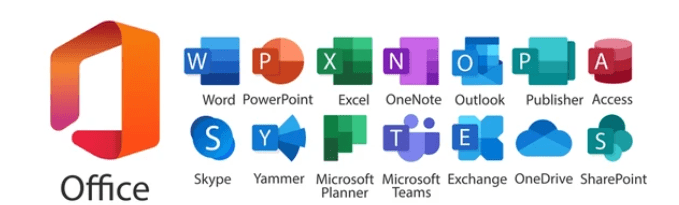
Word Word
Excel Excel
PPT PowerPoint
Outlook Outlook
OneNote OneNote
Main Uses
  • Creating and formatting documents
  • Managing complex spreadsheets
  • Creating visual presentations
  • Professional email communication
Real-World Example

A manager writes reports in Word, analyzes sales in Excel, presents results using PowerPoint, and communicates via Outlook.

2. DBMS (Database Management System)

Full Form: System used to store, manage, and organize large amounts of structured data.

Software: Microsoft Access & SQL Server
  • Customer records & employee databases
  • Inventory & financial management
Example:

A company uses Microsoft Access to store thousands of customer transaction records securely.

Major Software in MS Office- Office Suite

MS Word Word Processing

The primary tool for creating, editing, and formatting documents. It is used worldwide for professional writing, academic assignments, and official business correspondence.


Extension: .docx Run Command: winword
Example: A student creating a project report or a company drafting an official appointment letter.
Word Document Office Writing
MS Excel & Advanced Excel Data & Analysis

A spreadsheet powerhouse for data management and complex calculations. Advanced Excel unlocks the ability to handle massive datasets using sophisticated logic and visualization.

  • Core Features: Formulas, Charts, and Basic Data Entry.
  • Advanced Tools: Pivot Tables, VLOOKUP/XLOOKUP, Conditional Formatting, and Dashboards.
Extension: .xlsx Run Command: excel
Example: A business owner tracking monthly sales and profit, or a financial analyst building interactive performance dashboards.
Excel Charts Data Spreadsheets
Excel with AI Intelligent Insights

This modern evolution uses Artificial Intelligence to automate the most time-consuming parts of data work. AI helps users extract "hidden" stories from their numbers without complex manual formulas.

  • Analyze Data: Automatically identifies trends and patterns in seconds.
  • Predictive Analysis: Suggests future strategies based on historical data.
  • Natural Language: Ask questions about your data and get instant visual answers.

AI Tools: Copilot / Analyze Data Run Command: excel
Example: AI can automatically detect a sudden drop in sales for a specific region and suggest the likely cause based on external trends.
AI Logic Automated Insights
MS PowerPoint Presentations

The standard for visual communication. It allows users to turn complex ideas into engaging slide decks using a mix of text, high-quality images, and cinematic animations.

Extension: .pptx Run Command: powerpnt
Example: A marketing team presenting a new product launch strategy to stakeholders using interactive charts and visuals.
Slides Presentation Meeting
MS Outlook Email & Communication

Beyond just email, Outlook is a complete personal information manager. It integrates your inbox, calendar, contacts, and tasks into one unified workspace.

Extension: .pst / .ost Run Command: outlook
Example: A corporate employee managing 100+ daily emails while simultaneously scheduling Zoom meetings and tracking deadlines.
Email Desktop Calendar Schedule

What is Microsoft Office with AI?

Common Job Roles

MIS Executive

Advanced data reporting, dashboard creation, and AI-driven analysis.

Avg. ₹30k - ₹55k

Digital Accountant

Taxation, GST filings, and automated AI reconciliation.

Avg. ₹35k - ₹65k

Office Executive

Managing workflows and documentation with AI assistants.

Avg. ₹20k - ₹35k

Data Entry Operator

Bulk data processing using AI-powered automation tools.

Avg. ₹15k - ₹22k

Admin Assistant

Drafting communications and support with Generative AI tools.

Avg. ₹18k - ₹28k

Computer Operator

Handling professional software and daily technical reporting.

Avg. ₹16k - ₹25k

Back Office Executive

Managing database updates and internal support systems.

Avg. ₹17k - ₹26k

Account Assistant

Supporting financial audits and bookkeeping with digital tools.

Avg. ₹22k - ₹32k

Inventory Manager

Tracking stock levels and supply needs via AI-powered Excel.

Avg. ₹25k - ₹40k

What is MS Office with AI?

Refers to the integration of Artificial Intelligence tools like Microsoft Copilot to automate complex tasks.

  • Generate professional documents
  • Analyze spreadsheets instantly
  • Create presentations automatically
  • Draft AI-powered emails

Scope & Future

The future of productivity is connected to AI. Professionals with these skills are in high demand.

  • Faster data analysis & reporting
  • Automation of repetitive tasks
  • Better decision making
  • Increased workspace productivity

Edu Brains

Edu Brains is the leading institute for latest industry-needed courses. We specialize in Excel with AI, Advanced Excel, and MIS with Practicals. Get hands-on experience with live projects and dedicated job support.

Formula Generation

Ask ChatGPT: "Write a formula to calculate profit percentage." It provides the exact syntax ($$=(Selling Price - Cost Price) / Cost Price$$) instantly.

Data Analysis

Upload your sales data and ask AI to identify seasonal trends, suggest inventory improvements, and create actionable business insights.

Automation & VBA

Need a macro? Ask ChatGPT to "Write a VBA script to export these rows as PDFs." It creates the code, saving you hours of manual programming.

Report Creation

Convert raw Excel data into written executive summaries automatically. AI can draft a full narrative report based on your monthly figures.

Conclusion

Microsoft Office remains one of the most essential digital skills in the modern workplace. From creating documents to analyzing complex data, it plays a critical role in almost every industry.

With the integration of Artificial Intelligence and tools like ChatGPT, Microsoft Office is becoming even more powerful. Learning MS Office along with Advanced Excel and AI tools can significantly improve career opportunities and help professionals work smarter and faster.

Certification and Course Recognition

Certification & Recognition

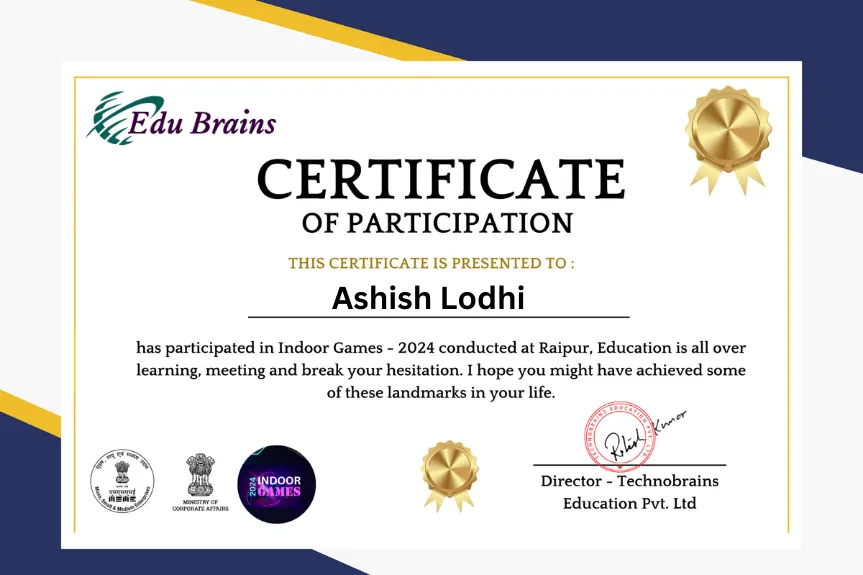
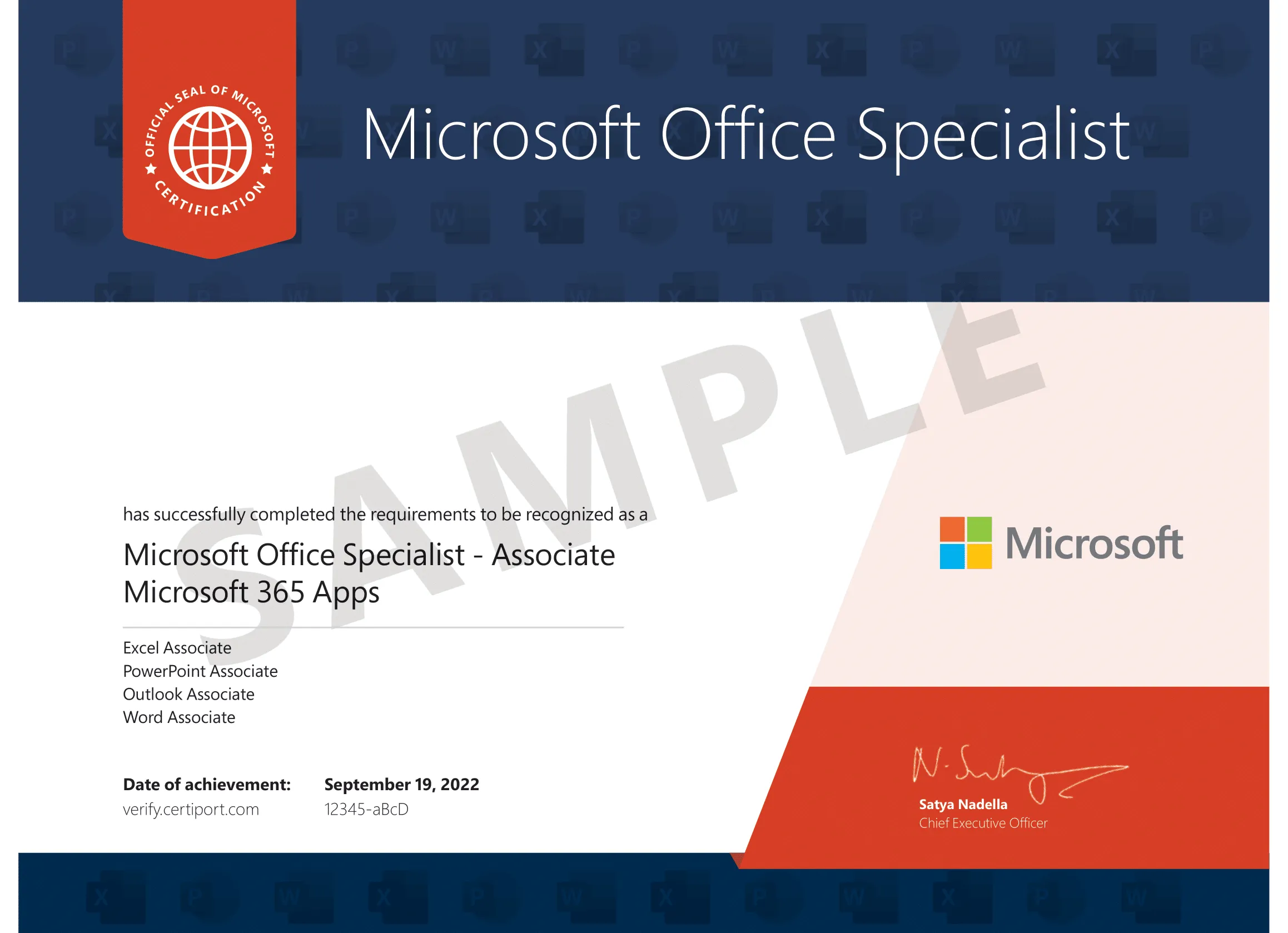
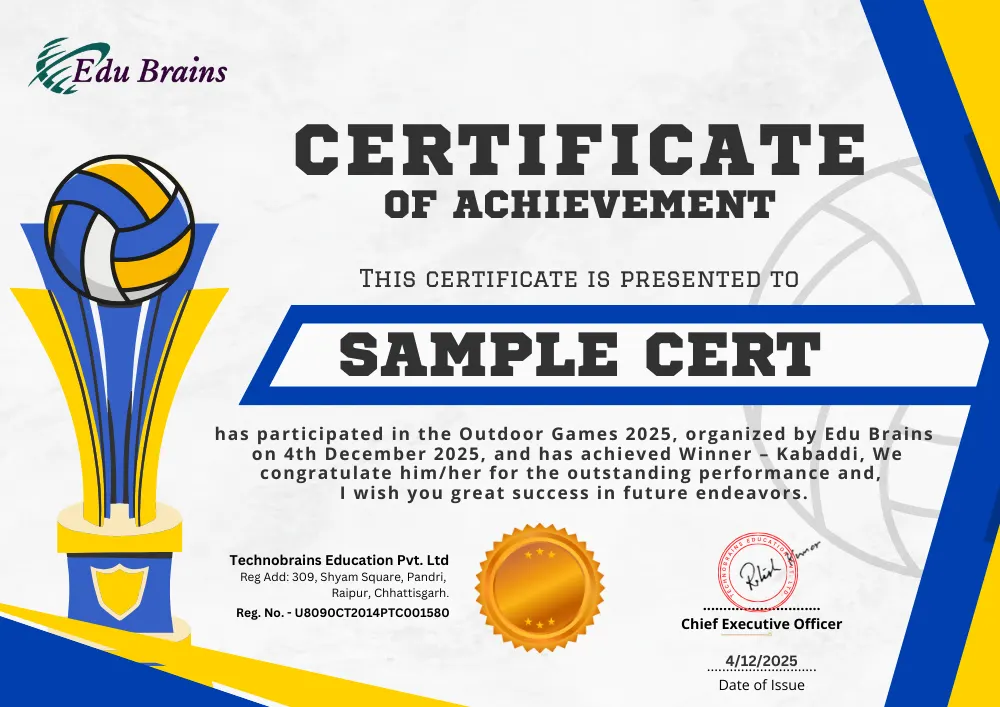
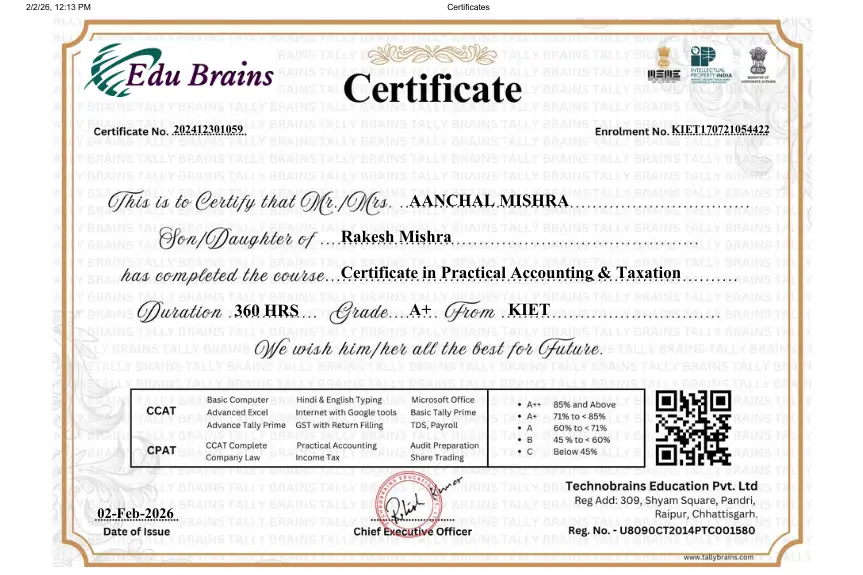
Certification is a vital asset in the modern job market. "A recognized certificate validates your practical expertise and helps employers verify your training background at a glance." Our assessments ensure that every student earns their credentials through proven knowledge and hands-on experience.
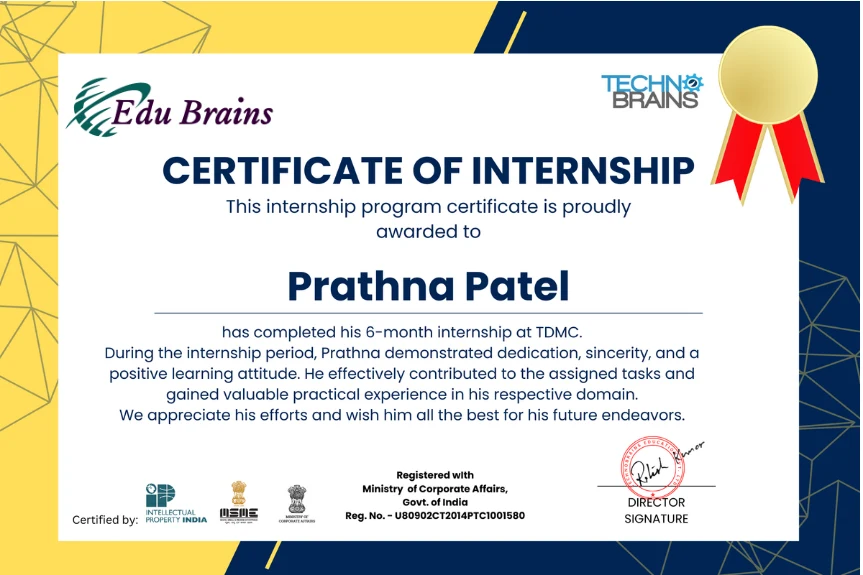
Internship Certificate
Course Certificate
Course Certificate
Activity Certificate
MS Office Certificate
Digital Marketing
Digital Marketing

Final Conclusion

How Edu Brains Helps You Achieve Your Goal.

Whether you are from Commerce or Non-Commerce background, Edu Brains starts with understanding you — your previous knowledge, your strengths, and your career goals.

Every journey begins with proper counselling and assessment. After evaluating your current level, we design a structured learning plan tailored specifically for your dream job.

  • ✔ Skill gap analysis
  • ✔ Goal-based training roadmap
  • ✔ Practical accounting & GST exposure
  • ✔ Software mastery (Tally, GST, Taxation)
  • ✔ Interview & placement preparation

At Edu Brains, we don’t just teach subjects — we build confidence, capability, and complete job readiness.
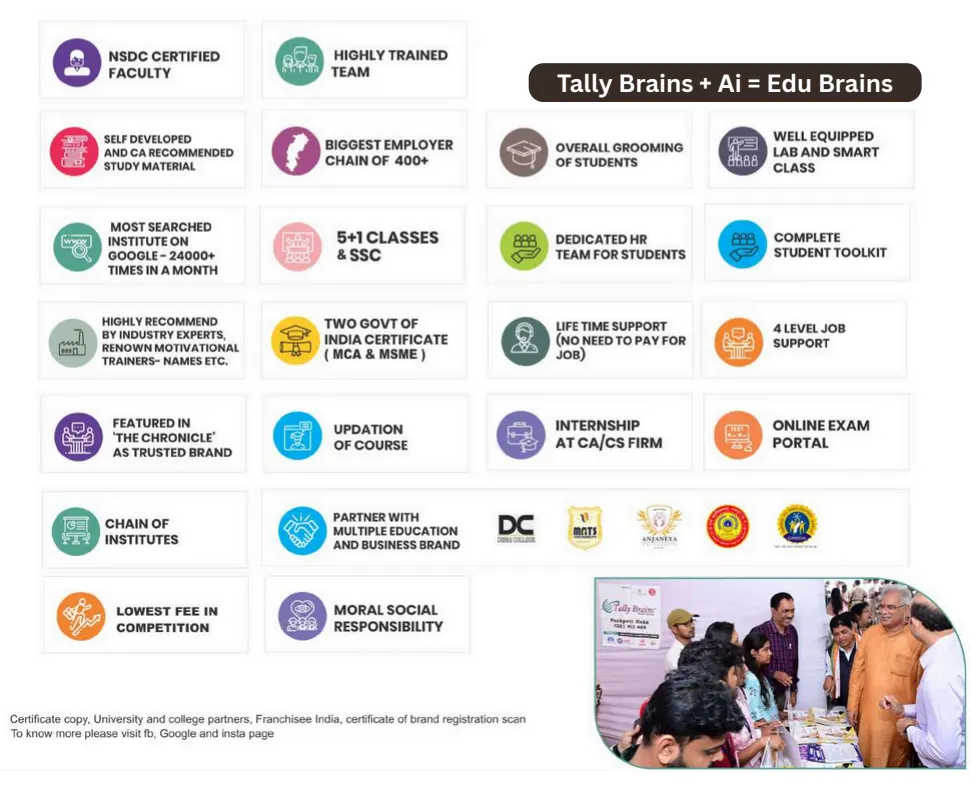
If any skill or institute are unable to provide job orientation and support, they are just a waste of time and money. Accounts sometimes provide more opportunities than accounting in respect of salary and firms. But the fact is that accounting has a huge scope because of the large number of jobs available in all types of businesses whether related to banking or finance or not.

Skill Education is always about learning something new that earns more for you.

With the right professional training like CPAT and proper practical exposure, you can select any career in accounting or finance.

Your interest will decide your future and job. Your skills, training, and mindset do. There are many accounting courses available in Raipur.

And if you are still confused, don’t worry. We are here for counselling — feel free to contact us anytime.

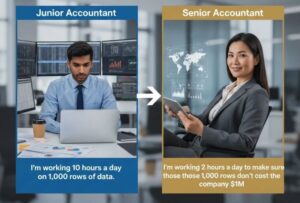
Why Edu Brains Is the Right Platform?

Edu Brains sirf ek institute nahi hai. Yeh ek skill-building ecosystem hai jo Accounting - Taxation & Finance me real job-ready training deta hai.

  • ✔ 14+ Years of Industry Experience
  • ✔ Founded by Senior Accounts Manager – Ritesh Khetan
  • ✔ Personal Skill Assessment & Career Counselling
  • ✔ Tally, GST, Income Tax & Practical Exposure
  • ✔ Interview Preparation & Placement Support

Hum kabhi degree nahi dekhte. Hum potential dekhte hain. Aur isi approach ki wajah se hamare students aaj Finance Manager, Accounts Manager aur senior roles me kaam kar rahe hain.

Agar aap sach me jaana chahte ho Best Job Guaranteed Accounting Course in Raipur? toh answer clear hai — Skill-based Professional Training. Aur woh Edu Brains deta hai.

-
Edu Brains Tags

Popular Tags - Edu Brains