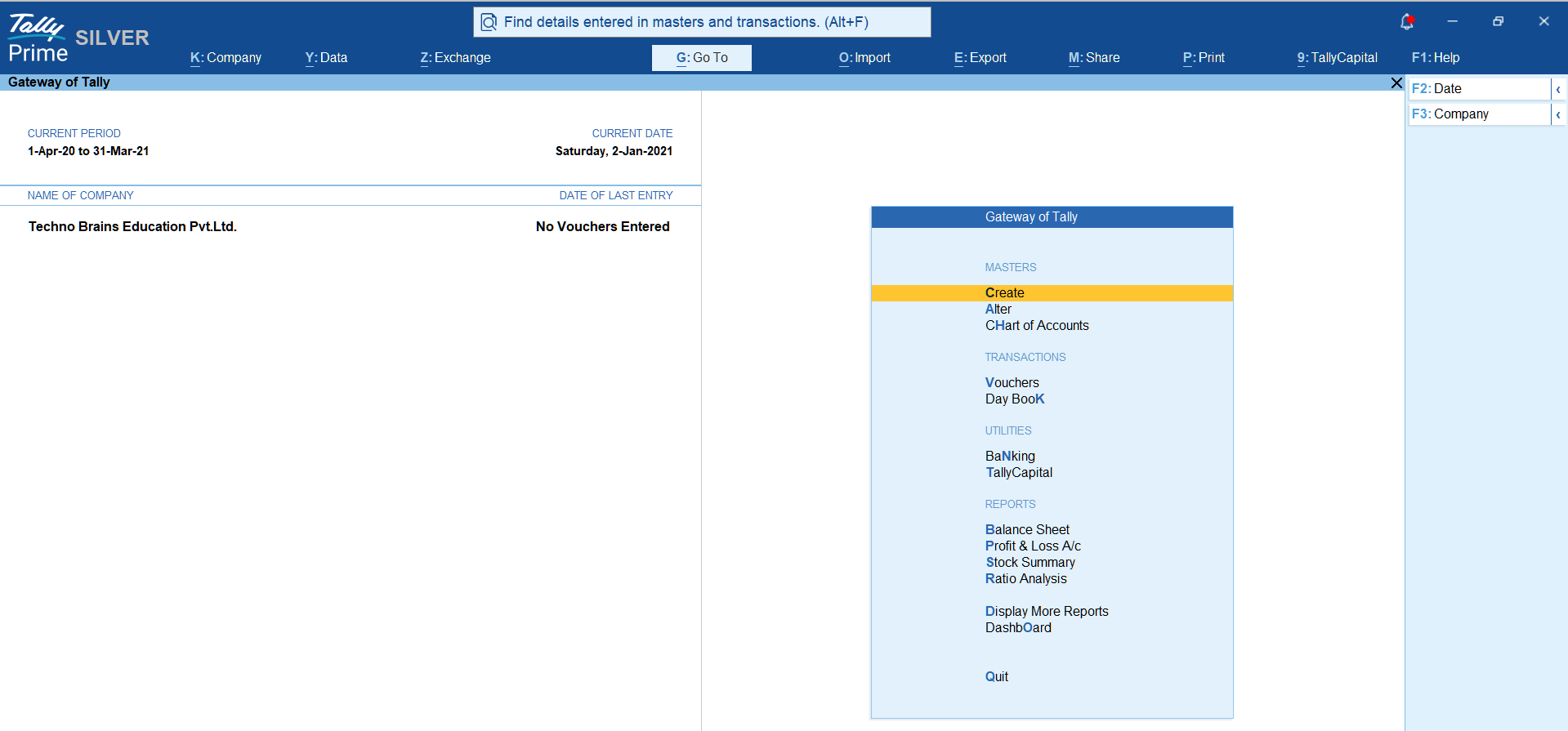
Best and Secured ways of Tally Prime Download?

How to Start with Tally Prime

How to Start Your Journey with Tally? ( Tally Prime Download)

When you begin your journey with Tally, the very first question that comes to mind is — “How do I start?”

In this guide, we will walk you through the process step-by-step so you can install and begin using Tally without confusion. Follow the instructions carefully, First we need to begin Tally Prime download and keep a pen and notebook handy for notes, and sit in front of your PC while reading this guide for practical learning.

✅ Basic System Requirements - Tally Prime Download

Before you begin, make sure your system meets the following requirements:

  • Minimum 2GB RAM (4GB recommended for smooth performance)
  • Windows Operating System (Windows 7 or above)
  • Working Internet Connection (for Tally Prime Download)
  • Minimum 1GB free storage space
⚠️ Note: Tally is a lightweight software, but better system configuration ensures smoother performance and faster processing.

Tally Prime- Download

1️⃣ Using LAN or Wi-Fi Connection

This is the easiest and most recommended method.

  • Connect your PC or Laptop to Wi-Fi or LAN.
  • Open your browser (Google Chrome recommended).
  • Visit the official Tally website.
  • Download the latest Tally Prime version.
  • Run the setup file and complete installation.

Download Tally Prime using WiFi

2️⃣ Using Mobile Wired Hotspot (USB Tethering)

If broadband is not available, use your mobile data.

  • Connect mobile to PC using USB cable.
  • Enable USB Tethering in mobile settings.
  • Your PC will receive internet access.
  • Open browser and download Tally Prime normally.
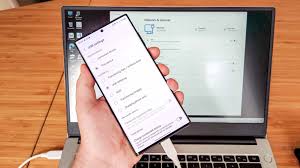
Download Tally Prime using USB Tethering

3️⃣ Download on Mobile & Transfer via Cable

If your PC has no internet connection, use this method.

  • Download Tally Prime setup on your mobile.
  • Connect mobile to PC via USB cable.
  • Transfer setup file to computer.
  • Run installer and complete setup process.
  • Process for tally prime download is described below in next section.
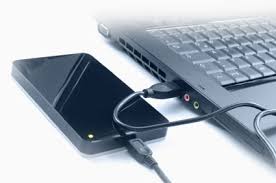
Transfer Tally Prime setup from Mobile to PC

Authorized website for Tally Prime Download

Always Tally Prime Download process should be done at Authorized website of Tally Solutions Pvt. Ltd. at Edu Brains we always teach you and tell you first to see security and Authority.

To download tally software –

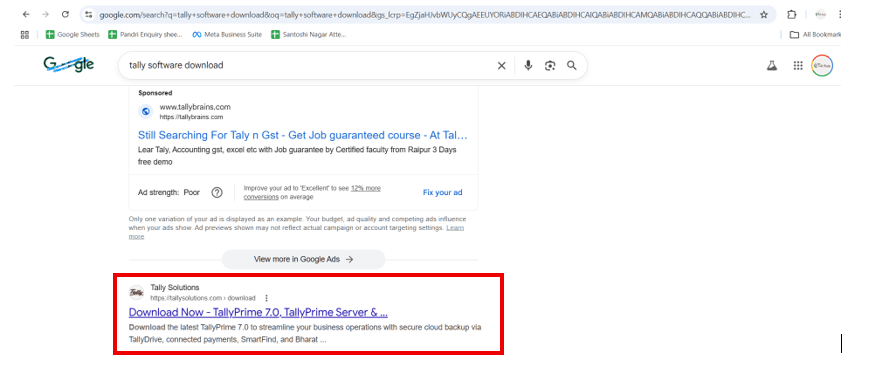
Search – “tally prime  download” at Chrome > and locate link of tallysolutions.com only or

Direct go to – chrome / edge > tallysolutions.com > downloads > tally prime 

futher process is described in next section

tally software download

Process forTally Prime Download

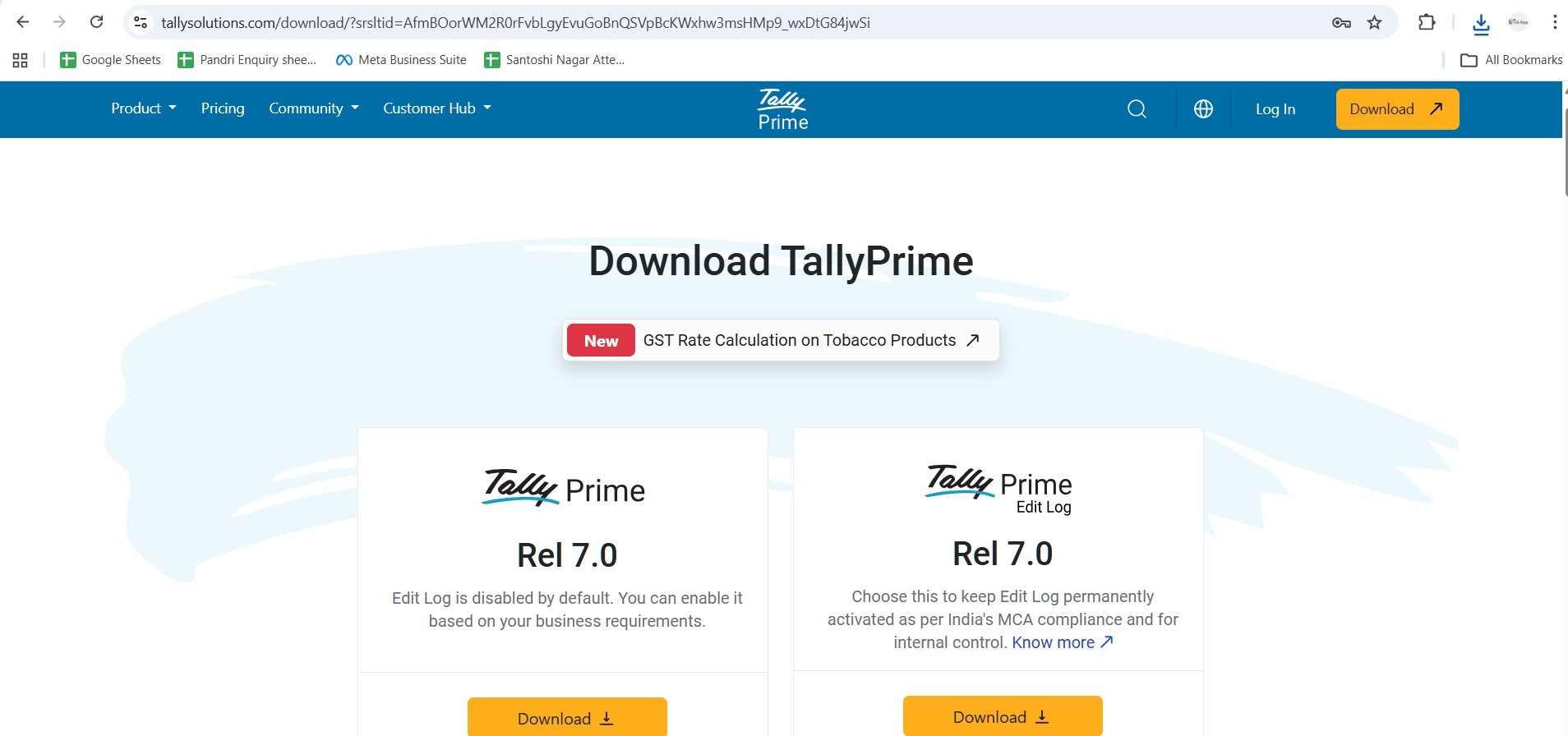
For Tally Prime download. Once you have reached to website through any of above process. You will reach to download page directly. Click on Left side – Tally Prime 7.0 (Download). Click and get go to download tally prime software
It will ask for permission and accept it.

Tally Prime - Download- Confirmation & Installation Process

After clicking on the official download button for Tally Prime Download, you will be asked to confirm the process for tally prime download. Once you confirm, the download process will automatically begin.

What Happens After You Click Download (Tally Prime)?

Your browser will beging to download Tally Prime setup file immediately. The file will be saved in your system’s default Downloads folder unless you have changed your browser download settings.

Once the download is complete:

  • Open your Downloads folder.
  • Locate the downloaded Tally Prime setup file.
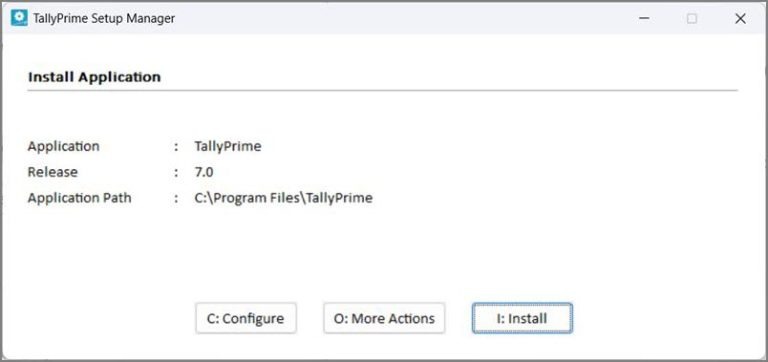
  • Double-click the file to begin installation.
  • Follow the on-screen instructions to complete setup.

Need Help During Installation?

If you face any difficulty while downloading or installing Tally Prime, you do not need to worry. Proper guidance ensures smooth setup and activation.

You can watch the complete step-by-step installation video on the Edu Brains YouTube Channel for visual guidance, or directly speak with our expert team for instant support.

Installation of Tally Prime Software

tally download screen

Post "Tally Prime Download" Installation & License Details

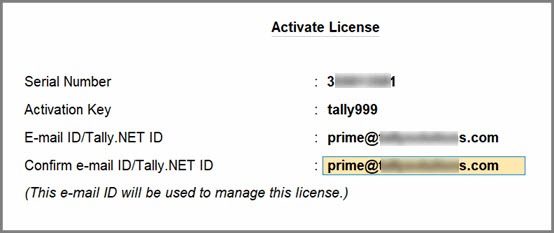
To start with Tally Prime, it is necessary to install the software properly. For full-feature access without restrictions, activation of a valid license is required.

Single User (Silver License)

  • Works on 1 primary system
  • 1 additional system access via .NET ID
Approx Cost (Incl. GST): ₹25,600/*-
Renewal: ₹5,310/-*

Multi User (Gold License)

  • Installed on 1 main server system
  • Accessible on multiple systems via LAN
  • Up to 10 remote users through .NET ID
Approx Cost (Incl. GST): ₹76,800/-*
Renewal: ₹16,930/-*
Tally Prime Educational Mode - Edu Brains

Tally Prime Educational Mode

If you are learning Tally Prime, Educational Mode is a suitable option. It allows access to almost all features for practice purposes.

Restriction in Educational Mode

The only major limitation is date usage. You can work only on 1st, 2nd, and 31st of any month (For February: only 1st and 2nd).

For any Help regardding Tally Prime Download or installation Talk to Our Expert – Edu Brains
📞 8349333666

Why You Should Choose Official Tally Prime Download

When planning a Tally Prime download, it is essential to follow the proper and secure method. Many users search randomly online for Tally Prime download options, but unofficial sources can cause installation errors and security risks.

To ensure a safe Tally Prime download, always use the official website. An official Tally Prime download guarantees that you are getting the latest version without malware or corrupted files. Whether for business accounting or training purposes, a secure Tally Prime download is always recommended.

Steps for Safe Tally Prime Download

  • Ensure a stable internet connection before starting the Tally Prime download.
  • Visit the official Tally website for the Tally Prime download.
  • Select the correct version during the Tally Prime download process.
  • Confirm your browser prompt to begin the Tally Prime download.
  • Wait patiently until the Tally Prime download completes fully.

After Completing Tally Prime Download

Once the Tally Prime download is complete, the setup file will be saved in your system’s default Downloads folder. After the Tally Prime download, double-click the file to begin installation.

During installation, follow all on-screen instructions carefully. A proper Tally Prime download ensures that activation and configuration run smoothly. If the Tally Prime download has been completed correctly, the installation usually takes only a few minutes.

Common Mistakes During Tally Prime Download

Some users attempt a Tally Prime download from unofficial platforms, which may result in corrupted setup files. Always make sure your internet remains stable during the Tally Prime download process. If the Tally Prime download gets interrupted, restart and perform the Tally Prime download again from the official source.

⚠️ Always verify authenticity before proceeding with a Tally Prime download. A genuine Tally Prime download ensures smooth performance and secure installation.